Revolve
revolve() rotates a sketch profile around an axis to create a solid of revolution — think of turning on a lathe.
// @screenshot showAxes
import { sketch, revolve } from 'fluidcad/core';
import { circle } from 'fluidcad/core';

sketch("xz", () => {
    circle([80, 0], 40)
})

revolve("z", 275)
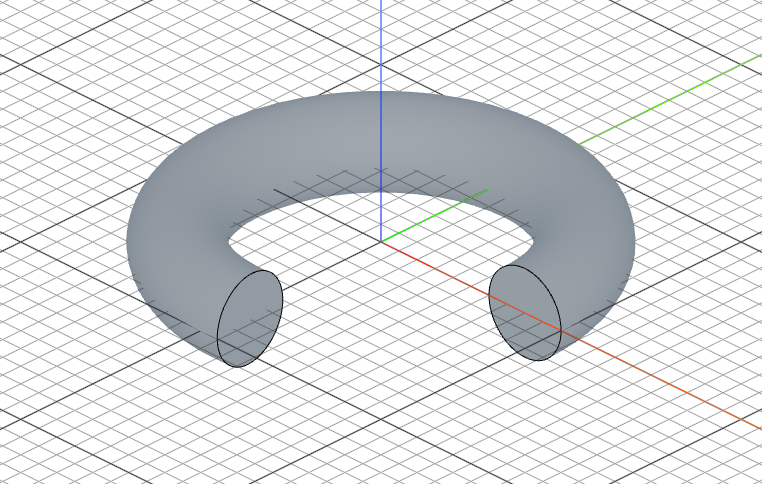
Full revolution
// @screenshot showAxes
import { sketch, revolve } from 'fluidcad/core';
import { circle } from 'fluidcad/core';

sketch("xz", () => {
    circle([80, 0], 40)
})

revolve("z")
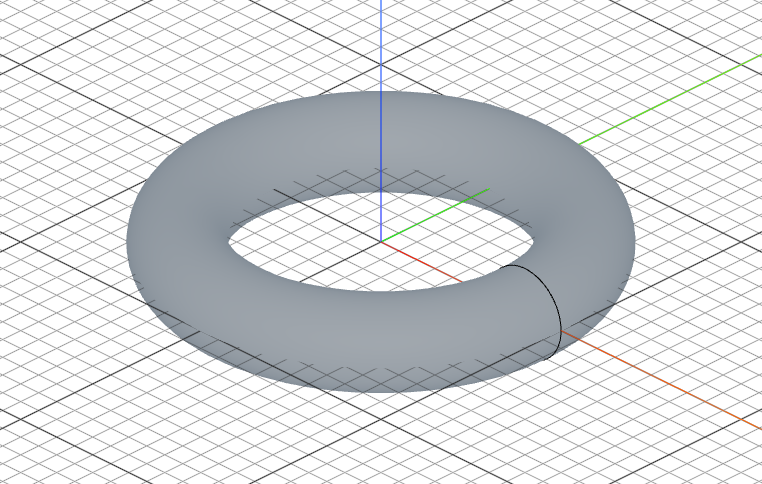
Partial revolution
revolve("z", 180) // half turn
The sketch should be offset from the axis of revolution — otherwise you get a zero-thickness result.
Thin revolve
.thin() offsets the profile edges to create a thin-walled solid of revolution instead of a filled one. The offset distance controls the wall thickness:
// @screenshot showAxes
import { sketch, revolve } from 'fluidcad/core';
import { circle } from 'fluidcad/core';

sketch("xz", () => {
    circle([80, 0], 40)
})

revolve("z", 275).thin(5)
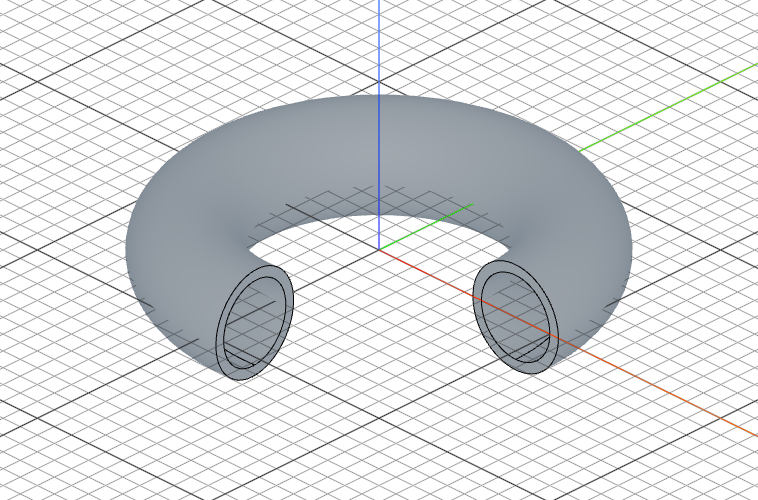
Positive values offset outward, negative values offset inward:
revolve("z").thin(5)     // 5 units outward
revolve("z").thin(-5)    // 5 units inward
revolve("z").thin(5, -3) // dual offset in opposite directions
Open profiles
Thin revolve also works with open profiles. The ends are capped — use capFaces() / capEdges() to select them:
// @screenshot showAxes
import { sketch, revolve } from 'fluidcad/core';
import { line } from 'fluidcad/core';

sketch("xz", () => {
    line([40, 0], [100, 0])
})

revolve("z", 275).thin(8).new()
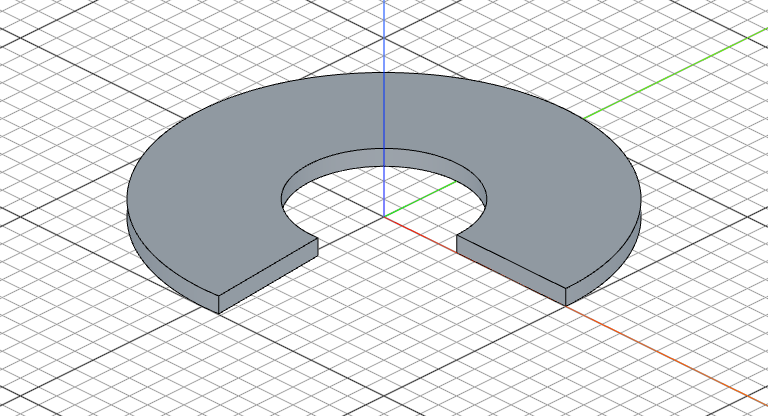
Thin revolve works with .symmetric(), partial revolutions, and .remove().
Region picking
When a sketch has multiple regions, use .pick() to select which one to revolve:
revolve("z").pick([80, 0])
Call .pick() with no arguments to enter interactive mode.
When you pick a region by coordinates (or by clicking in interactive mode), those coordinates are saved in your code. If the sketch dimensions change later, the pick point may fall outside the resized regions, breaking the model.
This makes .pick() great for fast prototyping or models with fixed dimensions. For parametric models where dimensions are likely to change, prefer structuring your sketches so each sketch contains only the regions you need — avoiding the need for .pick() altogether.
Accessing geometry
const r = revolve("z", 180)

r.endFaces()       // face(s) at the end of the revolution
r.startFaces()     // face(s) at the start
r.sideFaces()      // outer surface(s)
r.internalFaces()  // inner wall face(s) of a thin revolve (closed profile)
r.capFaces()       // cap face(s) of a thin revolve (open profile)
Fusion scope
revolve("z").new()             // create a separate solid
revolve("z").add()             // fuse with touching solids (default)
revolve("z").remove()          // subtract from all intersecting solids
revolve("z").remove().scope(box)  // subtract only from the box