FluidCAD
Parametric CAD for everyone
Write JavaScript. See 3D geometry in real time.
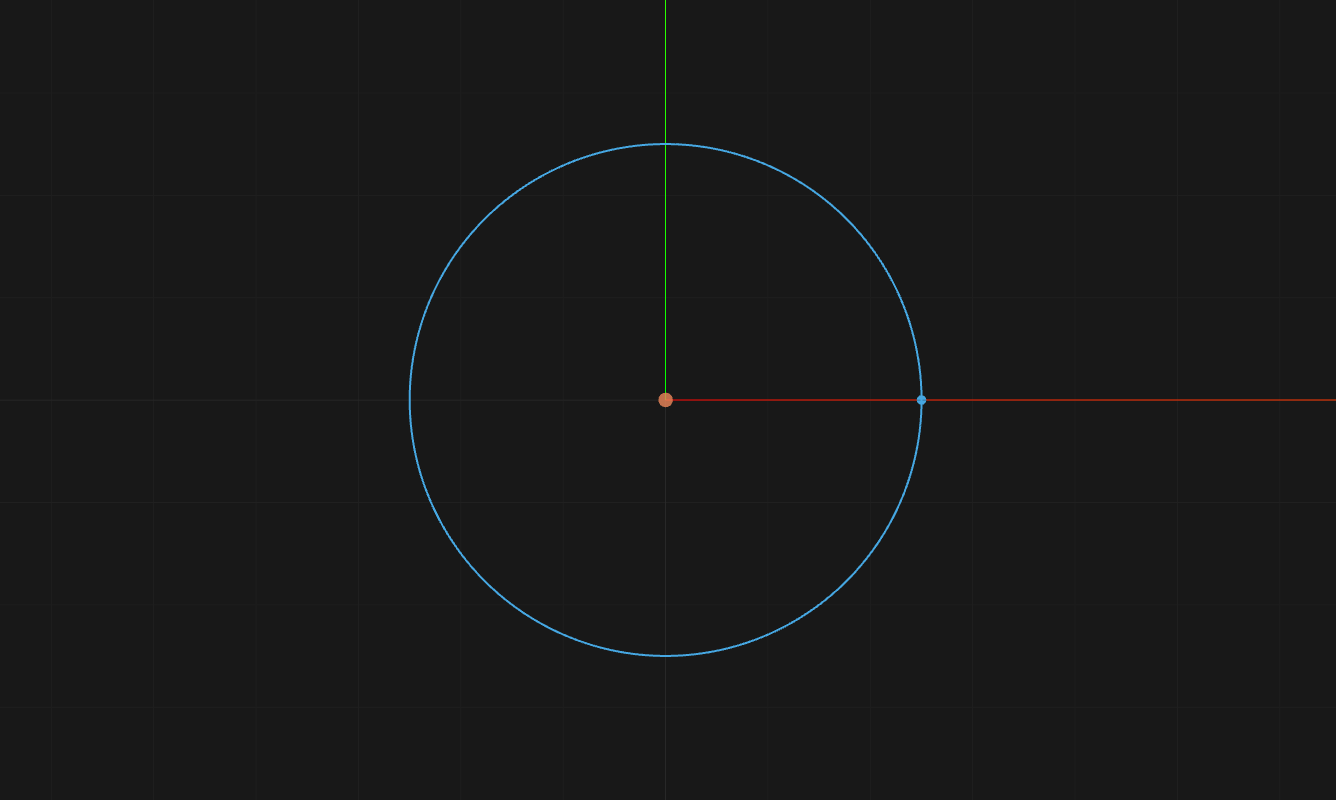
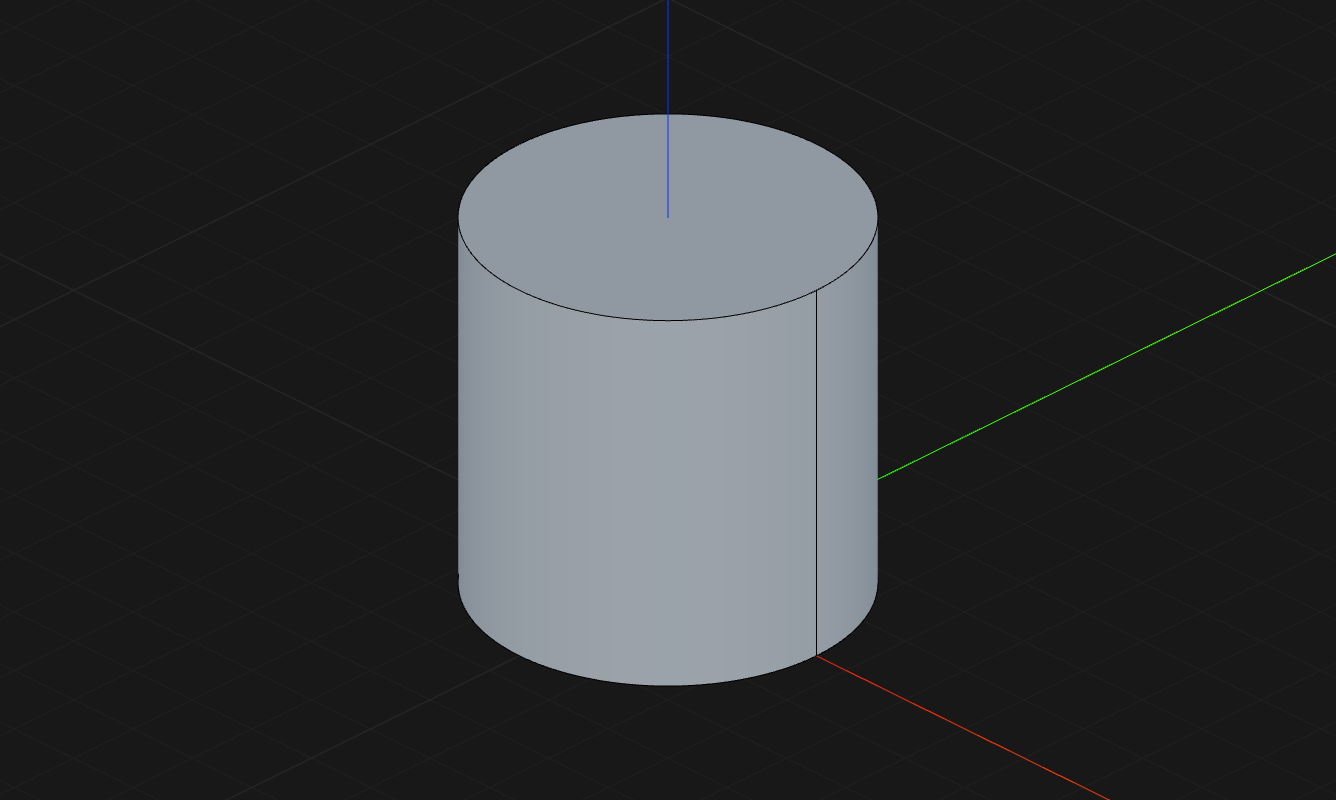
1sketch("xy", () => {2    circle(50)3})4
5const e = extrude(50)6
7fillet(5, e.startEdges())8
9shell(-2, e.endFaces())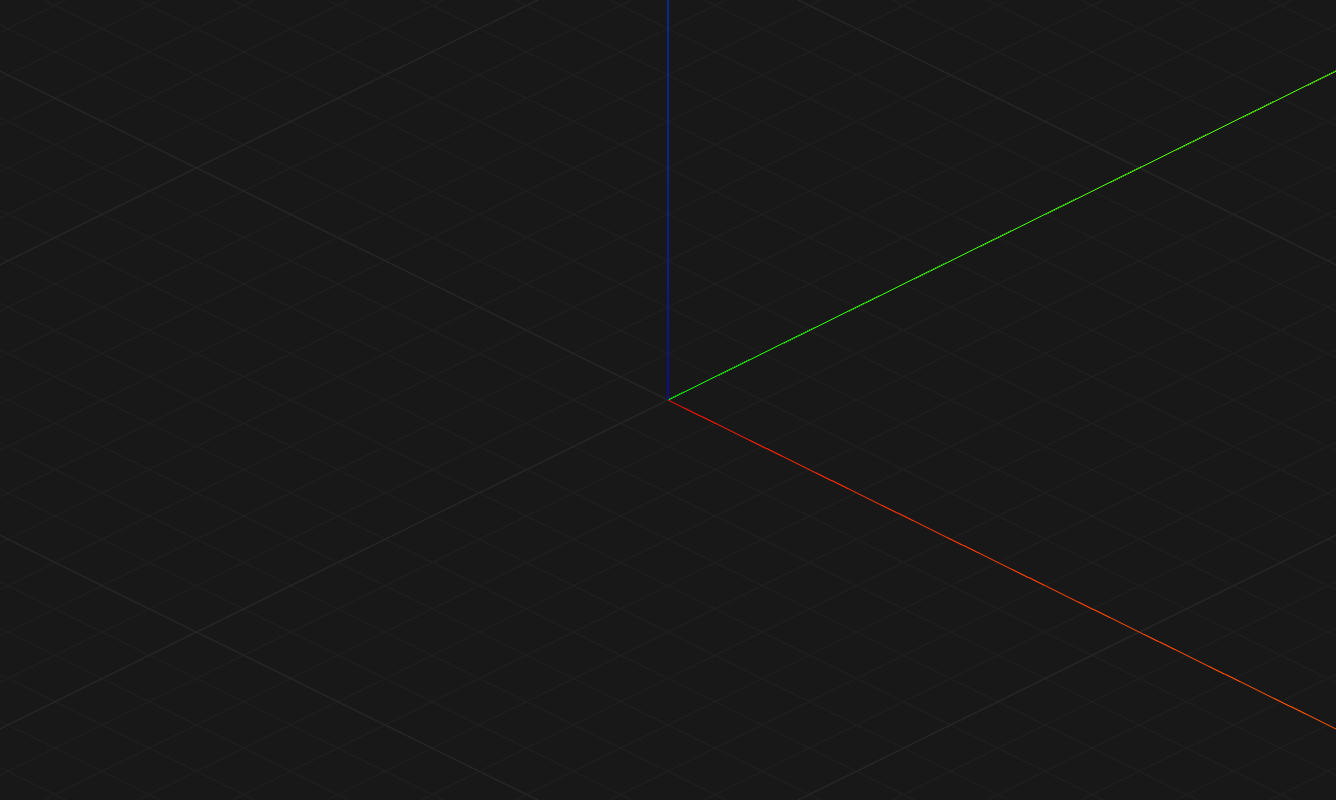
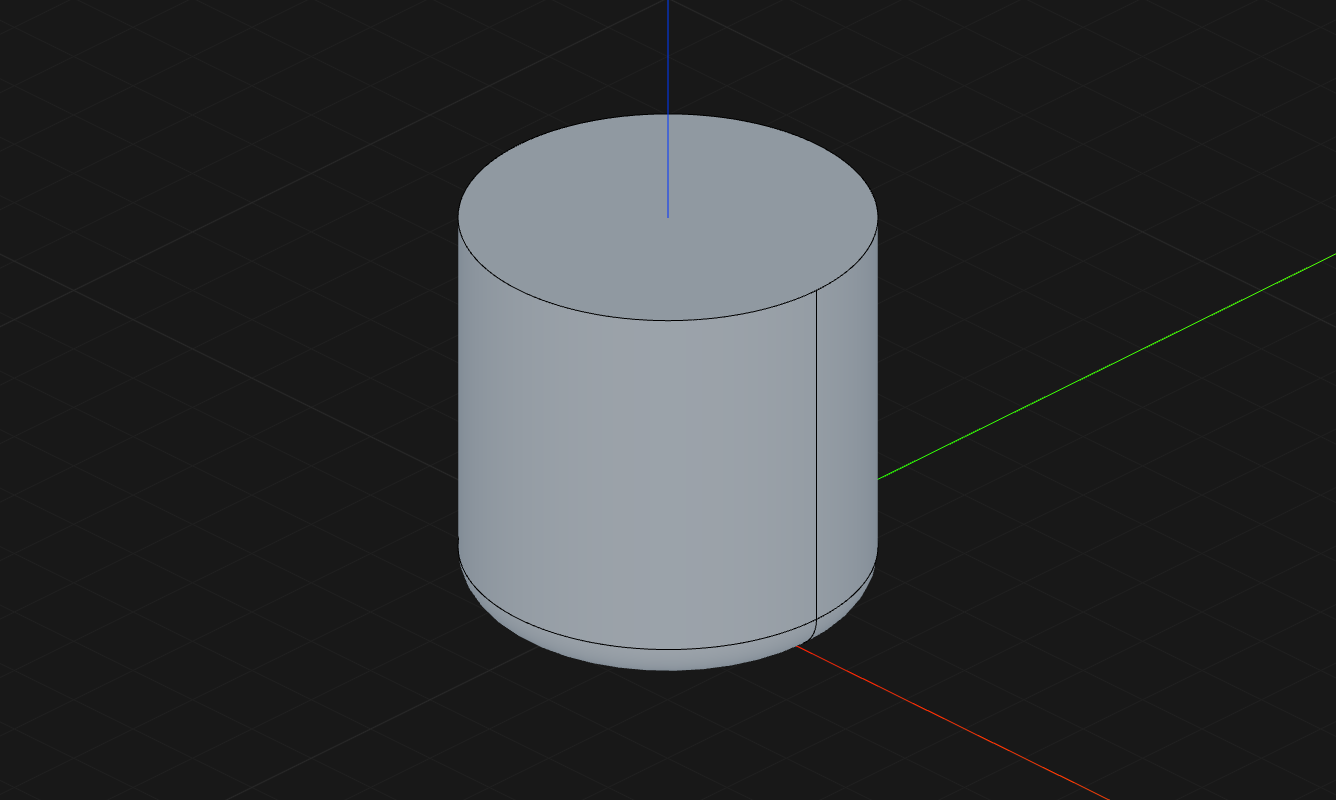
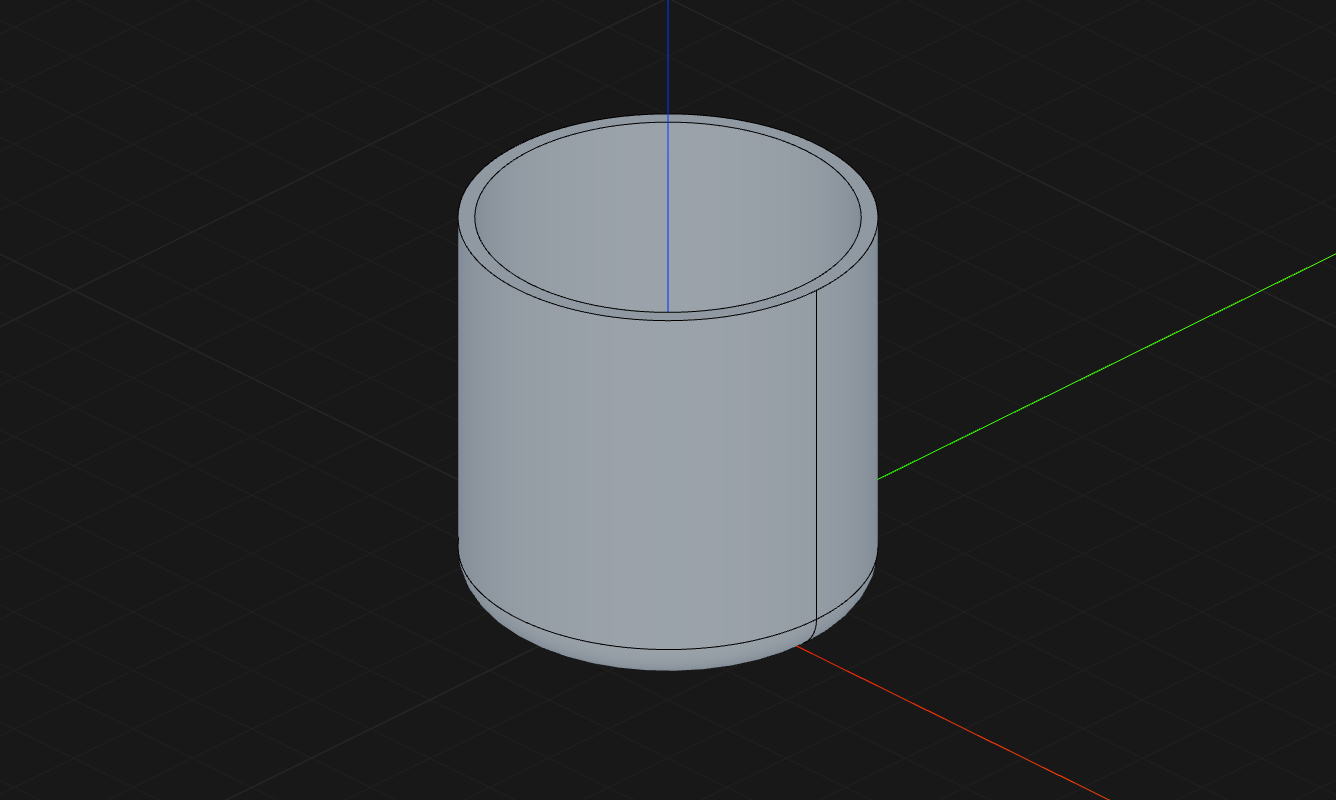
See it in action
From interactive viewport input to parametric history — a closer look at what makes FluidCAD different.
History
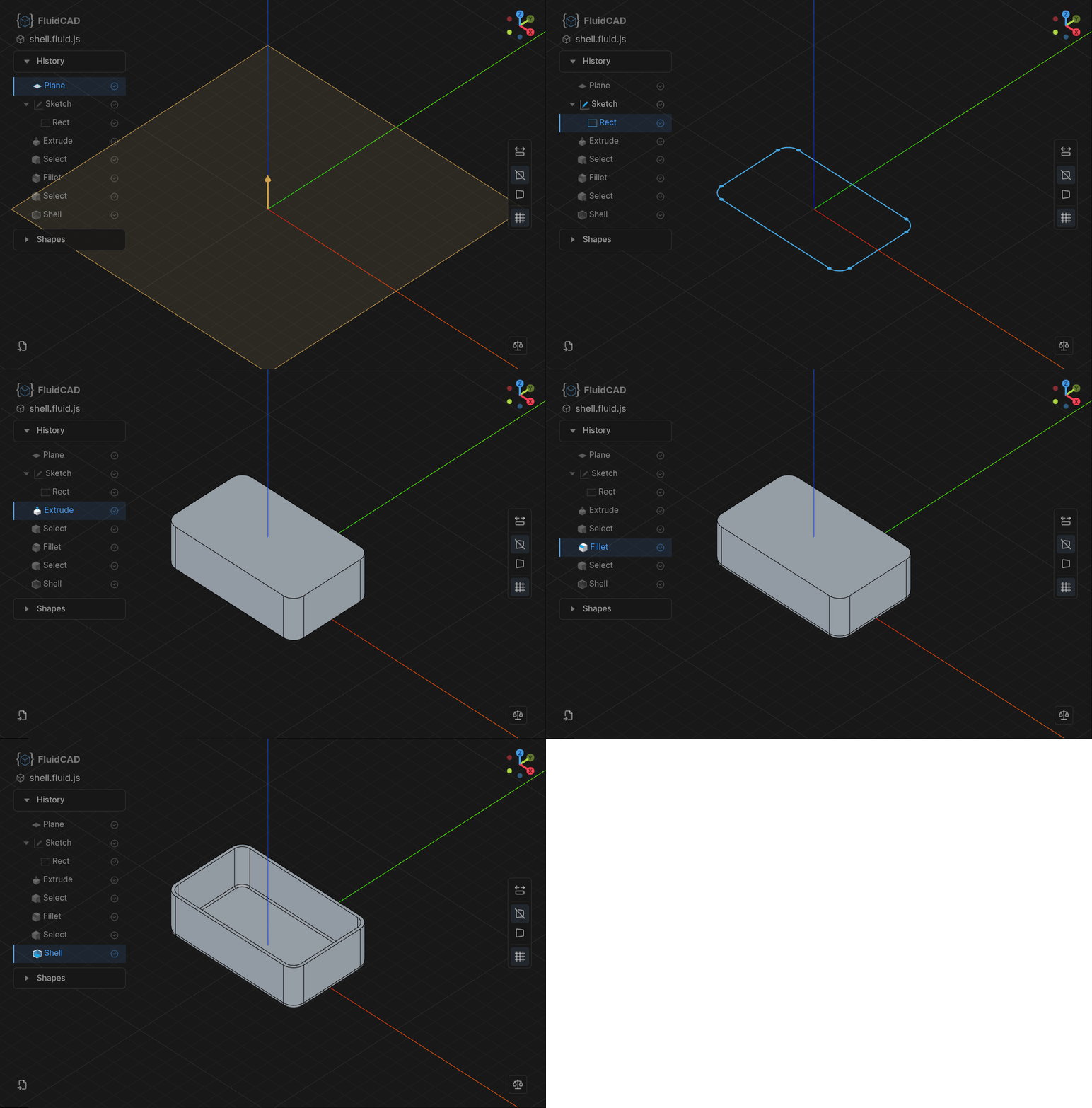
Navigate Your Modeling History
Step through your feature tree one operation at a time. Review how any model was built and roll back to any point — no destructive edits.
Interactive
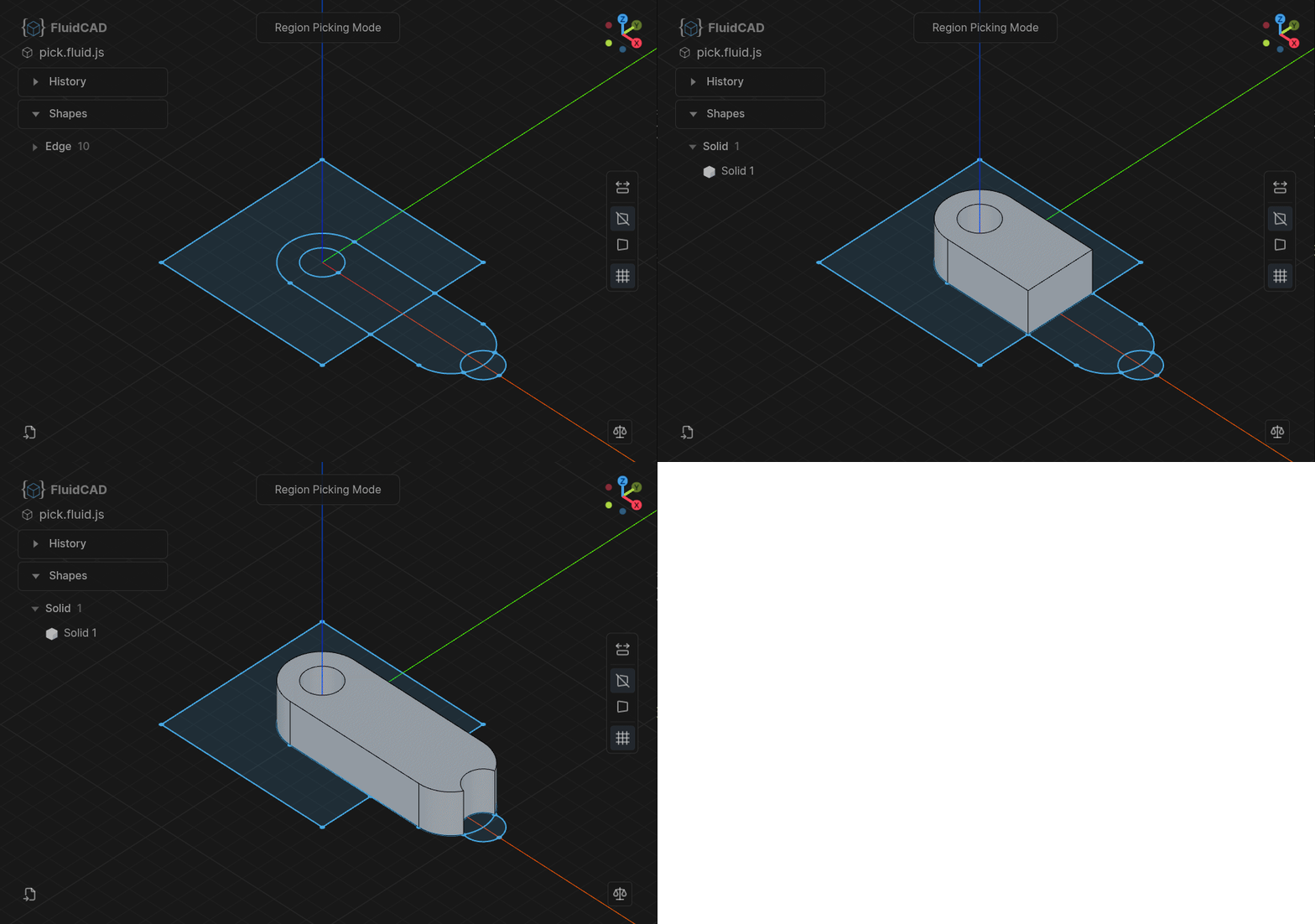
Mouse-Driven Prototyping
Extrude regions by dragging in the viewport. Get to the right shape faster, then lock in the values with code.
Transforms
Feature Transforms & Patterns
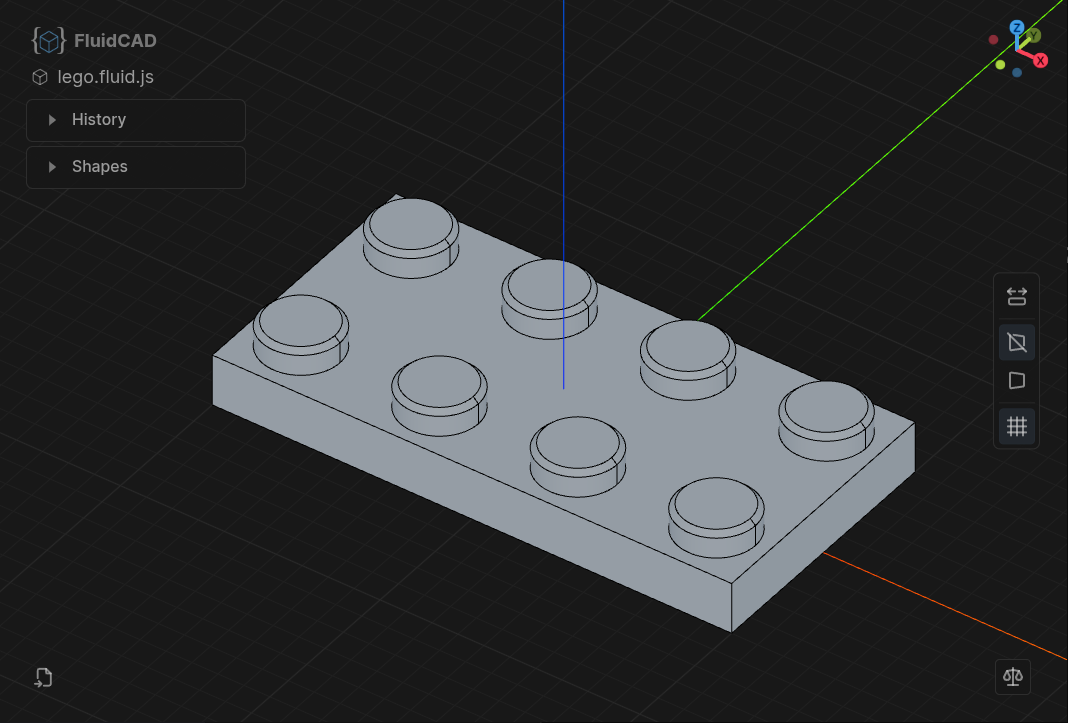
Apply linear and circular patterns to entire feature sequences. Mirror, rotate, and repeat complex geometry from simple building blocks.
Interop
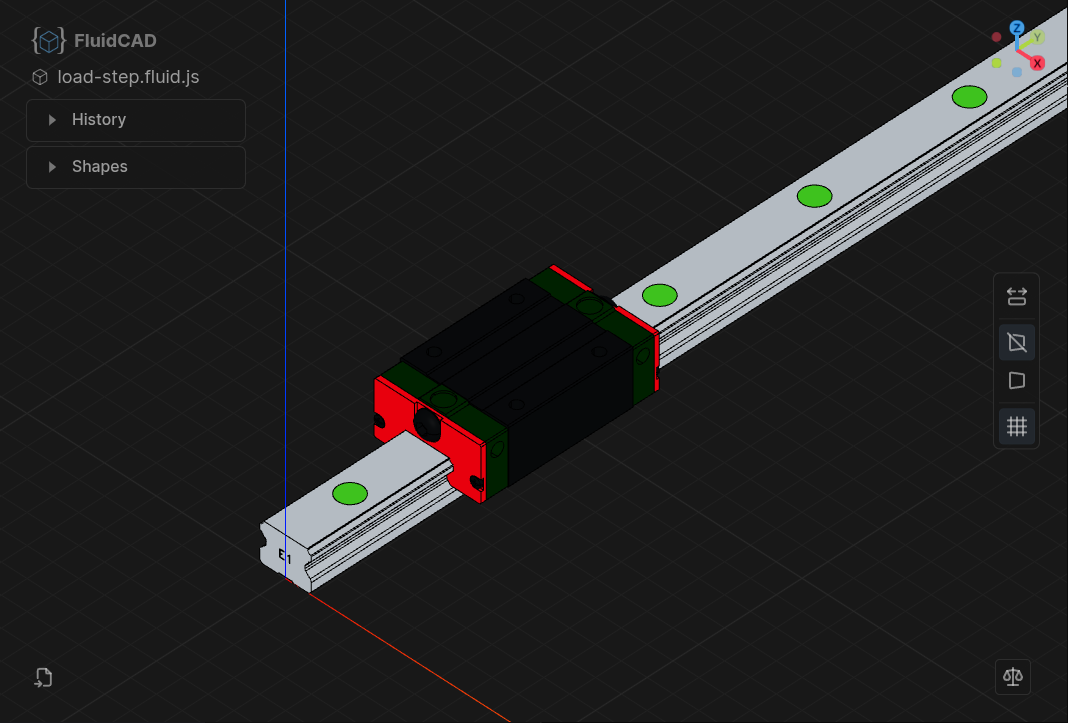
STEP Import & Export
Import existing CAD models or export your designs with full color support. Works with every standard CAD tool.
CAD by Code as it should be
A complete toolbox for parametric CAD. From first sketch to final export.
Traditional CAD Workflow
Sketches, extrusions, fillets, shells, booleans, and more. A modeling workflow familiar to CAD users.
Smart Defaults
Most operations just do the right thing. extrude picks up the last sketch, fillet targets the last selection, touching shapes are automatically fused — less boilerplate, more readable code.
Shape References
Reference faces, edges, and vertices of other shapes directly. Minimal math, maximum clarity.
Get started
Set up a project and connect your editor in under a minute.
Install
npm i fluidcad
npx fluidcad init